
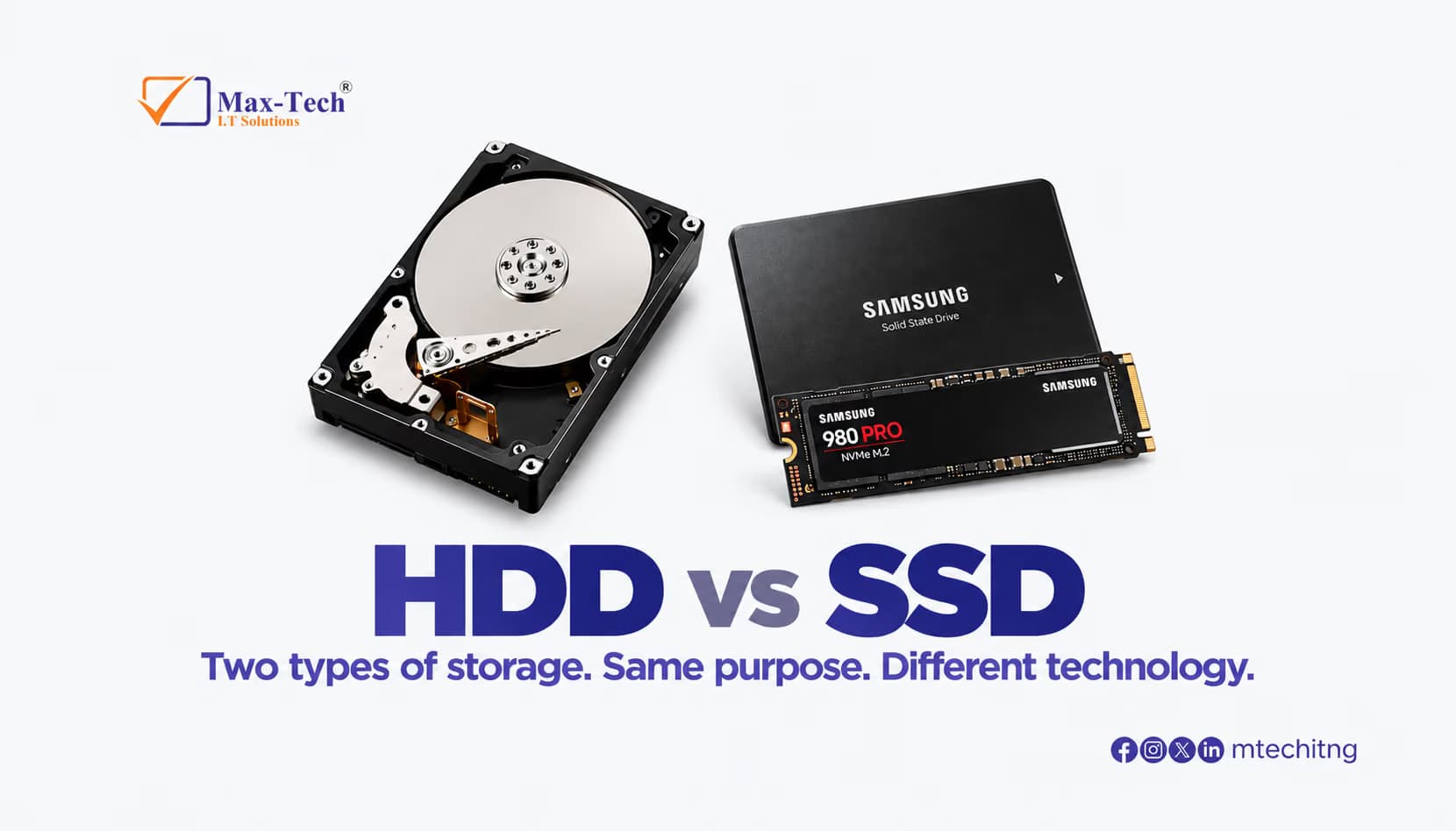

But what exactly is the difference?
What Is an HDD?
A Hard Disk Drive (HDD) uses spinning magnetic disks, known as platters, and a mechanical read/write head to store and access data.
HDD advantages
- Larger storage capacities
- More affordable per GB
- Suitable for storing large files
- Useful for backups and secondary storage
HDDs are commonly used when storage capacity and affordability are more important than maximum speed.
What Is an SSD?
A Solid State Drive (SSD) stores data using flash memory and has no moving mechanical parts.
This allows SSDs to deliver significantly faster performance than traditional HDDs.
SSD advantages
- Faster boot times
- Faster application loading
- Faster file transfers
- No moving parts
- More resistant to physical shock
- Great for everyday computing
SSDs are particularly useful for laptops, desktops, workstations, and systems where performance matters.
HDD vs SSD: Which Do You Need?
It depends on how you use your computer.
Choose an HDD if you need:
- Large amounts of affordable storage
- Space for photos, videos, and backups
- Secondary storage
Choose an SSD if you need:
- Faster system performance
- Quick startup times
- Faster application loading
- A more responsive everyday computing experience
Why Not Use Both?
For many computers, using both an SSD and HDD can provide a practical balance.
You can use the SSD for your operating system and applications, while using the HDD for large files, backups, photos, and videos.
Final Thoughts
HDDs and SSDs both have their place. The right choice depends on your performance requirements, storage needs, and budget.
If your computer is slow and still uses an HDD, upgrading to an SSD can be one of the most noticeable improvements you can make.
Need help choosing or upgrading your storage?
Max-Tech I.T Solutions can help with laptop and desktop upgrades, data backup, storage installation, and IT support.