

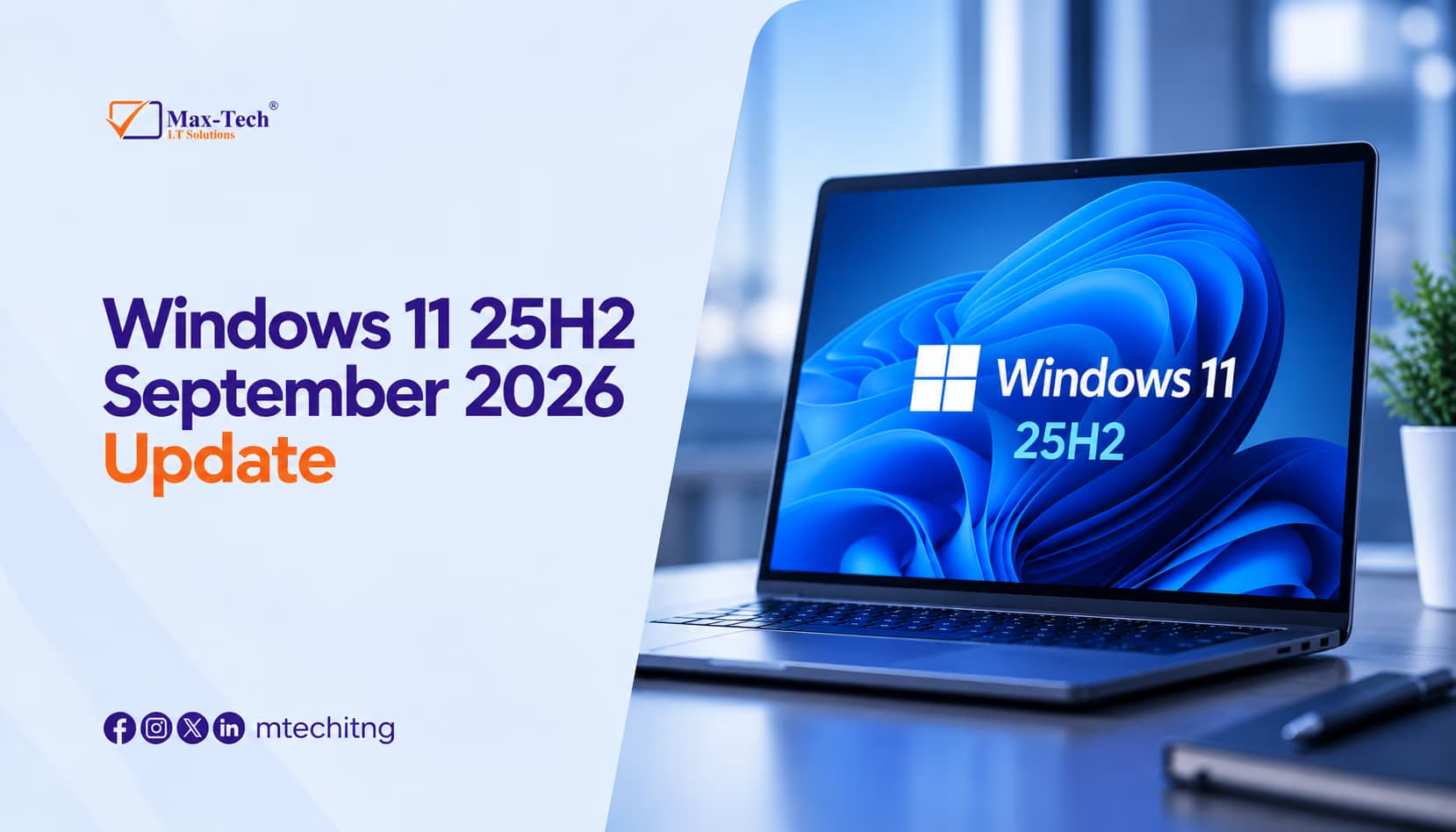

Microsoft is preparing another Windows 11 25H2 update with Build 26200.9539 (KB5124010).
The update focuses on improving File Explorer, Settings, Bluetooth, touchpad controls, accessibility and Windows Recovery. It is currently available through the Release Preview Channel, so availability may vary.
Key Changes
File Explorer: File Explorer gets better file previews, improved cloud thumbnails, a more useful Details pane, and improved memory for expanded or collapsed sections.
Settings: Microsoft is improving Printers & scanners, Installed Apps, camera settings and time controls.
Touchpad: New touchpad gestures make scrolling and navigation easier on compatible laptops.
Accessibility: A new Open apps maximized option is available under: Settings → Accessibility → Visual effects
Bluetooth: The update improves Bluetooth connections, audio, microphones and LE Audio reliability.
Copilot Key: Compatible keyboards can now remap the Copilot key to Right Ctrl or Context Menu.
Emoji 17.0: Windows 11 adds new Emoji 17.0 characters and updated emoji designs.
Windows Recovery: Windows Recovery gets improved Wi-Fi support, making supported recovery and rebuild processes easier.
Should You Install It?
If you're using a business or primary work PC, we recommend waiting for the stable release. Release Preview is better suited to Windows enthusiasts, developers and IT professionals who want to test upcoming features.
Tip
Before any major Windows update, back up your important files and make sure your essential software is up to date.
Need help with Windows updates, PC repairs, software issues or IT support?