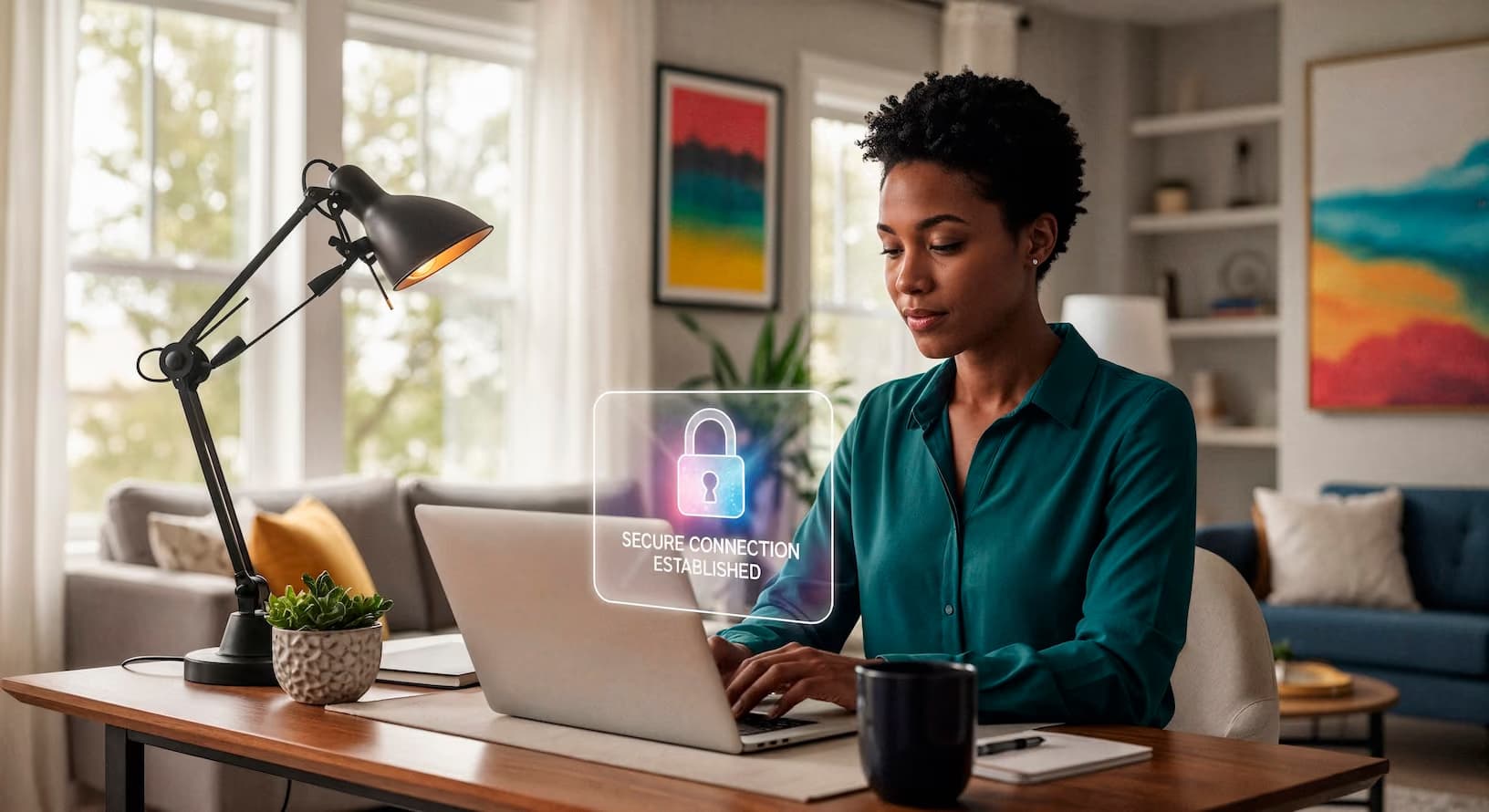


This simple habit logging out after use is one of the easiest ways to protect your digital identity.
Why Logging Out Matters
When you remain logged in on a shared device, the next person who uses that computer may gain access to your accounts without needing your password.
This could allow them to:
- Read your emails
- Access your social media accounts
- View sensitive documents
- Make purchases or financial transactions
- Change your account settings or passwords
Even if the computer seems trustworthy, it is always safer to assume that someone else could use it after you.
Common Places Where This Happens
Many people forget to log out when using:
- Cyber cafés
- Office workstations
- School or university computers
- Library computers
- Hotel business centers
- A friend’s or colleague’s laptop
In these situations, logging out becomes extremely important because the device is used by multiple people.
Tips to Protect Your Accounts on Shared Devices
- Here are a few quick steps to stay safe when using a shared computer:
- Always log out of your accounts - Before leaving the computer, make sure you sign out of all accounts including email, banking, and social media.
- Avoid saving passwords - Never allow browsers to save your password on shared devices.
- Use private or incognito mode - Private browsing prevents the browser from saving your login sessions, cookies, and history.
- Clear browsing data - If possible, clear the browser history, cache, and cookies after using the computer.
- Enable two-factor authentication (2FA) - This adds an extra layer of security to your accounts even if someone tries to access them.
What to Do If You Forgot to Log Out
If you realize you left an account logged in on another computer:
- Immediately change your password
- Use the “log out of all devices” option available on many platforms
- Check for any suspicious activity in your account
- Taking quick action can prevent unauthorized access.
Final Thoughts
Cybersecurity often comes down to simple habits. Logging out of shared computers may seem small, but it plays a major role in protecting your personal and professional information.
Always remember: If the computer isn’t yours, log out before you leave.
Need Help with Cybersecurity or Data Protection?
Max-Tech I.T Solutions provides professional IT support, cybersecurity guidance, and data recovery services for individuals and businesses.
📞 +234 903 050 5693
📍 18, Oba Yekini Elegushi Rd, Ikate Elegushi, Lekki, Lagos, Nigeria